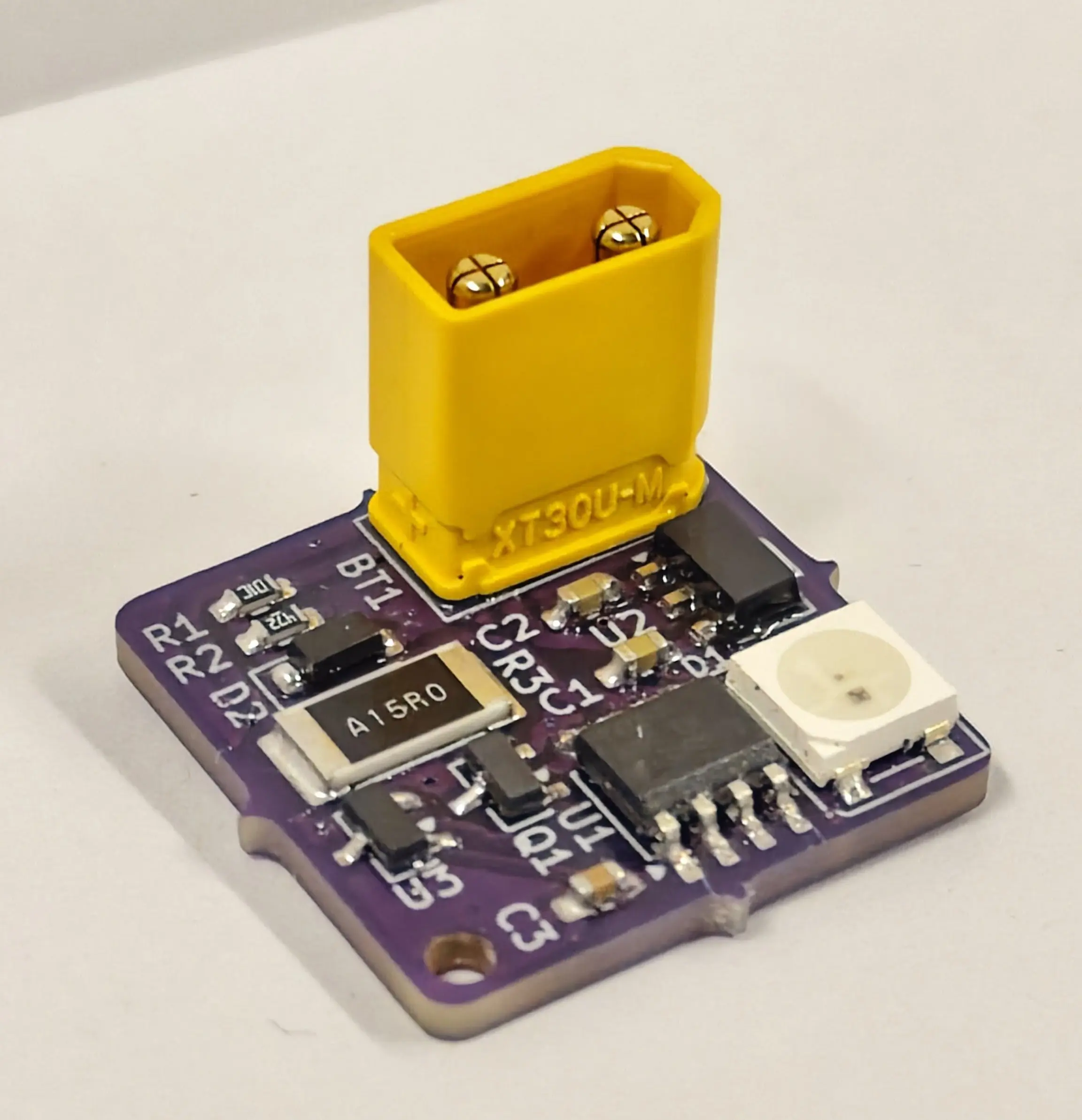
BattGauge Battery Testers
A big problem we have every competition is managing batteries. It’s hard to juggle between which batteries are charged, and which are dead - meaning voltage is inconsistent between matches. We used a fast charger at our Canadian Premier Event in 2025 to combat this. However, this isn’t a sustainable solution as charging batteries faster can damage them. We designed a custom battery tester. It is easily connected to batteries, and flashes simple colors to indicate current voltage and internal resistance. This solution is much more affordable than commercial options, notably being 5 times less expensive than goBilda counterparts.
We hope to offer these to other teams in the future through online purchasing options or easy to assemble kits.
BattGauge display an RGB indication LED for status. You can use the following guide to understand the colors:
- Solid Blue: Testing - this should only display for a few seconds
- Solid Red: BattGauge is too hot - unplug battery and try again once cool
- Voltage (1-second flash):
- Green: > 14V
- Orange: 13-14V
- Red: < 13V
- Internal Resistance (3 quick flashes):
- Green: < 150mΩ
- Orange: 150-300mΩ
- Red: > 300mΩ
Voltage can be interpreted as a matter of readiness for a match. If it’s higher, that’s typically better.
Internal Resistance indicates health, based on how much current can be pulled from your battery. If your IR is above 300mΩ, you might experience brownouts during matches. It would be a good idea to retire it. IR readings will be most accurate if you let it cool off after charging and run it down to ~12V (which you can see on your driver station). Heat can fake a good result.
If you need to replace the case or firmware, you can download it here:
If you would like a replacement PCB, please email us.
Updating firmware requires a UPDI Friend from Adafruit, along with a SOIC-8 clip to hook on to the ATtiny412 chip. You will need to install the megaTinyCore package into Arduino IDE.